Analytics
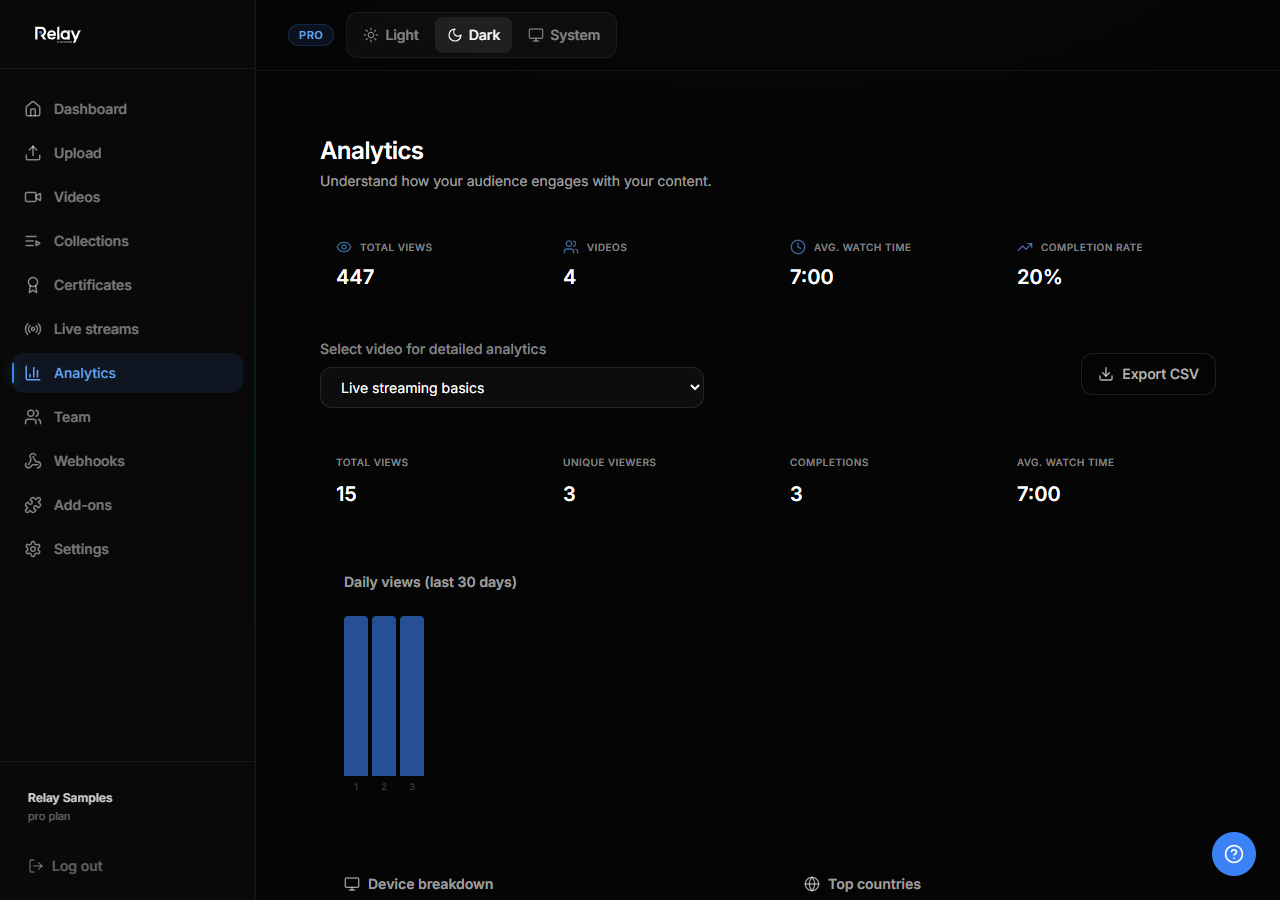
Relay tracks how viewers interact with your content and assessments.
Video analytics
For every video you can see:
- Total views
- Unique viewers
- Watch time
- Average engagement
- Top viewing locations and devices
Open a video and click the Analytics tab.
Collection analytics
Collections track:
- Public page views
- Interactive viewer opens
- Total engagement time
- Completion rate
- Per-item stats (which videos or PDFs were most viewed)
Open a collection and click Analytics.
Assessment reports
Open any assessment and click Reports.
You will see:
- Number of attempts
- Pass rate
- Average score
- Highest and lowest scores
- Candidate name and email for anonymous attempts
- Invite codes used
- Certificate issued status
Export data
You can export assessment reports to CSV from the Reports page. Use this to import scores into your LMS or CRM.
Cookie and privacy notes
Relay uses first-party, privacy-focused analytics. Viewers are not tracked across sites.