
Live streaming
Relay lets you schedule live streams and stream to viewers through a branded player.
Schedule a stream
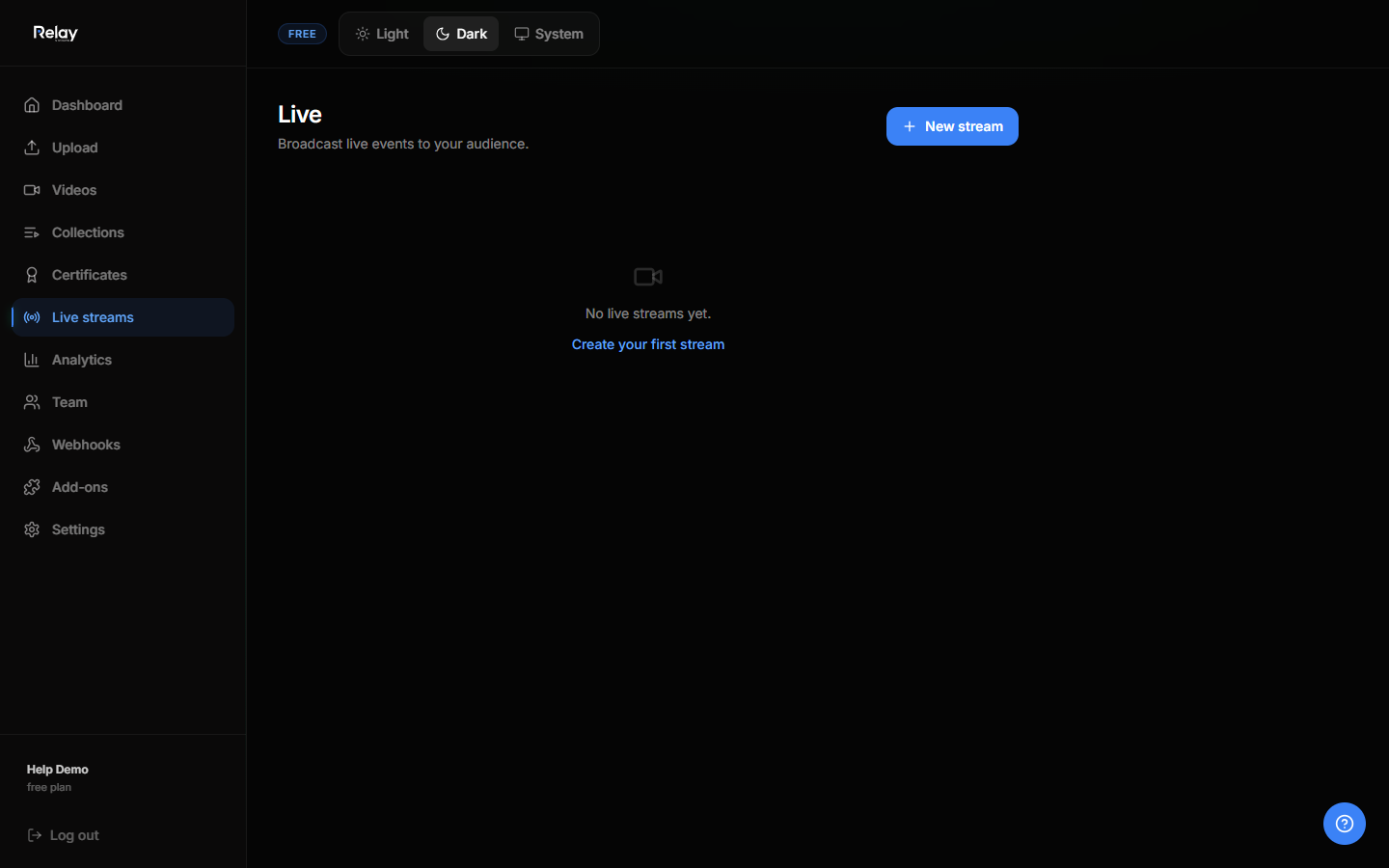
- Go to Live in the sidebar.
- Click Schedule stream.
- Enter:
- Title
- Description
- Start time
- Visibility (public or private)
- Save.
Connect OBS
After scheduling, Relay gives you a stream URL and stream key.
- Open OBS.
- Go to Settings → Stream.
- Set service to Custom.
- Paste the RTMP URL and stream key.
- Click Start Streaming in OBS.
Go live
- The event page becomes active at the scheduled start time.
- Viewers watch on the public event page.
- Chat and Q&A can be enabled from the stream settings.
Archive a replay
When the stream ends:
- Open the event in Live.
- Click Archive as video.
- The recording becomes a normal video you can add to a collection.
Pre-recorded live events
You can also schedule a "fake live" where a video starts playing at the scheduled time for everyone. This is useful for product launches or webinars.