Branding the player
Relay lets you customize the video player so your audience sees your brand, not a generic player.
Open player config
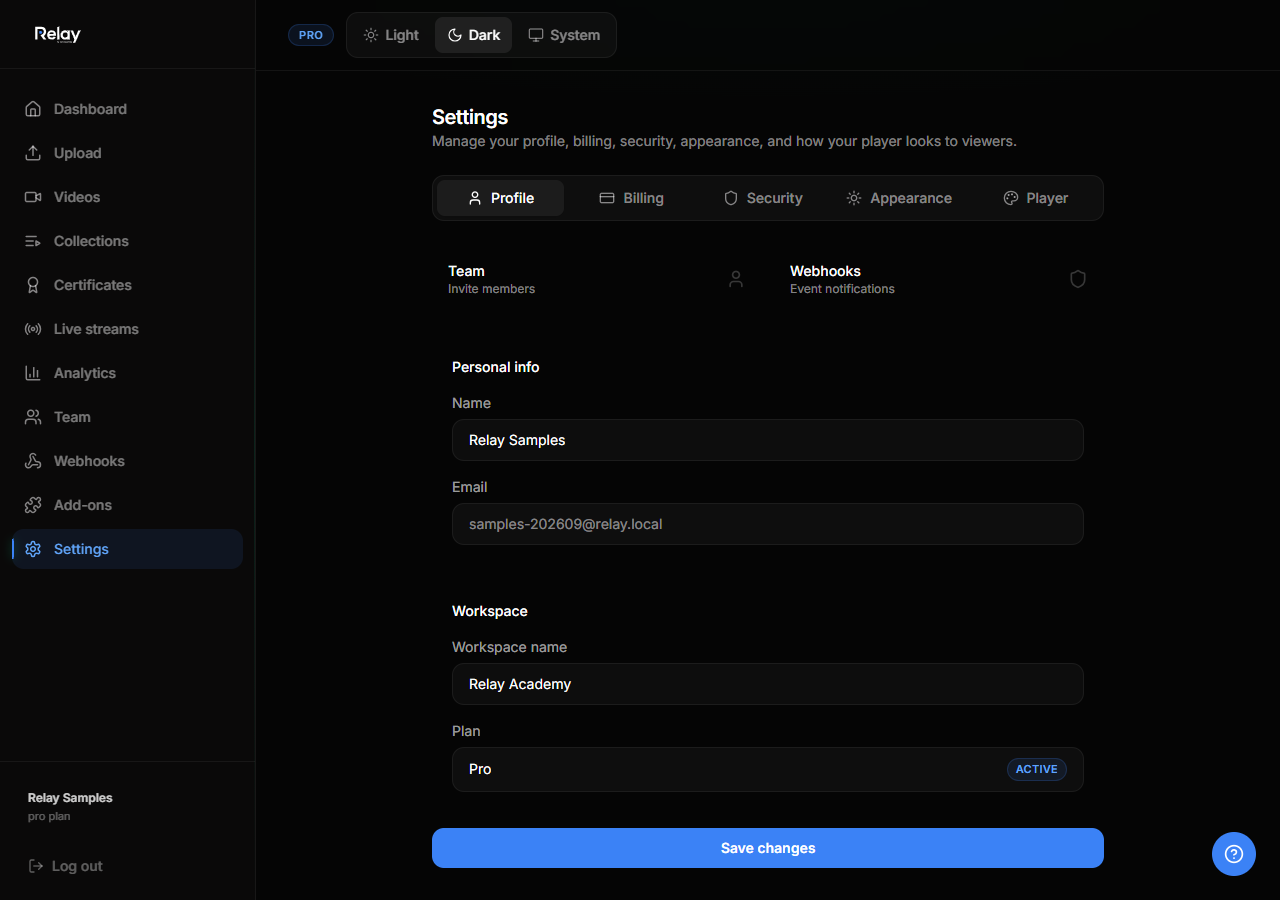
- Go to Settings.
- Click Player config.
- Update the fields below.
Logo
- Upload a logo file.
- The logo appears in the top-left of the player.
- Use a transparent PNG or SVG for best results.
Colors
Set your primary, secondary, and accent colors. These affect:
- Play button
- Progress bar
- Volume and control icons
- Links inside the player
Embed domain restrictions
Restrict where your videos can be embedded:
- In Player config, find Allowed embed domains.
- Add domains like
your-site.com. - Leave empty to allow embedding anywhere.
This prevents other sites from embedding your content without permission.
Player controls
You can choose which controls appear:
- Play/pause
- Volume
- Fullscreen
- Playback speed
- Quality selector
- Captions toggle
Apply branding
Branding applies automatically to:
- Public collection pages
- Individual video watch pages
- Embedded players
Changes take effect immediately after saving.