
Collections and courses
A collection is a structured page that mixes videos, PDFs, and notes. Use collections for courses, training modules, document libraries, or event replays.
Create a collection
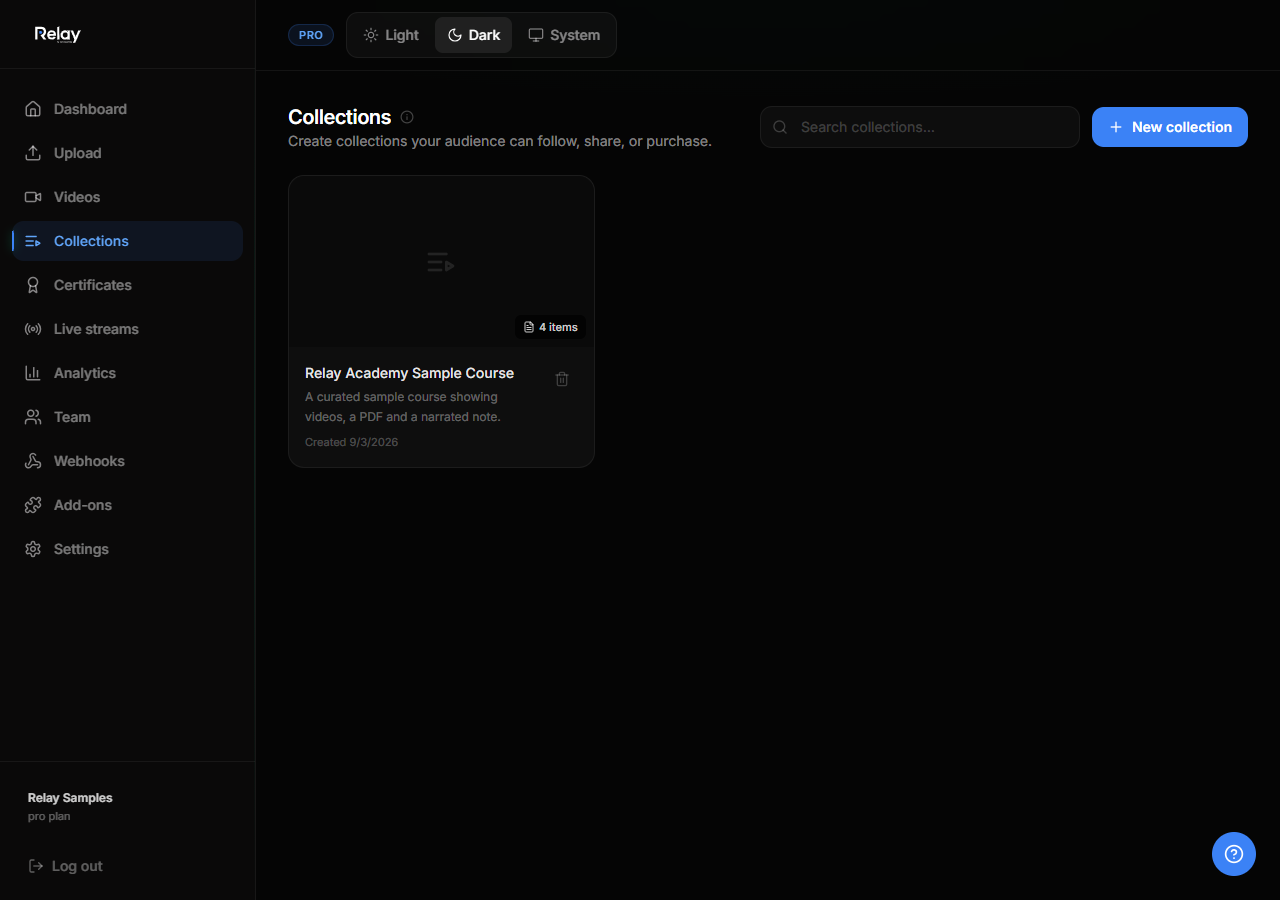
- Go to Collections.
- Click New collection.
- Enter a title, description, and optional thumbnail.
- Save.
Add items
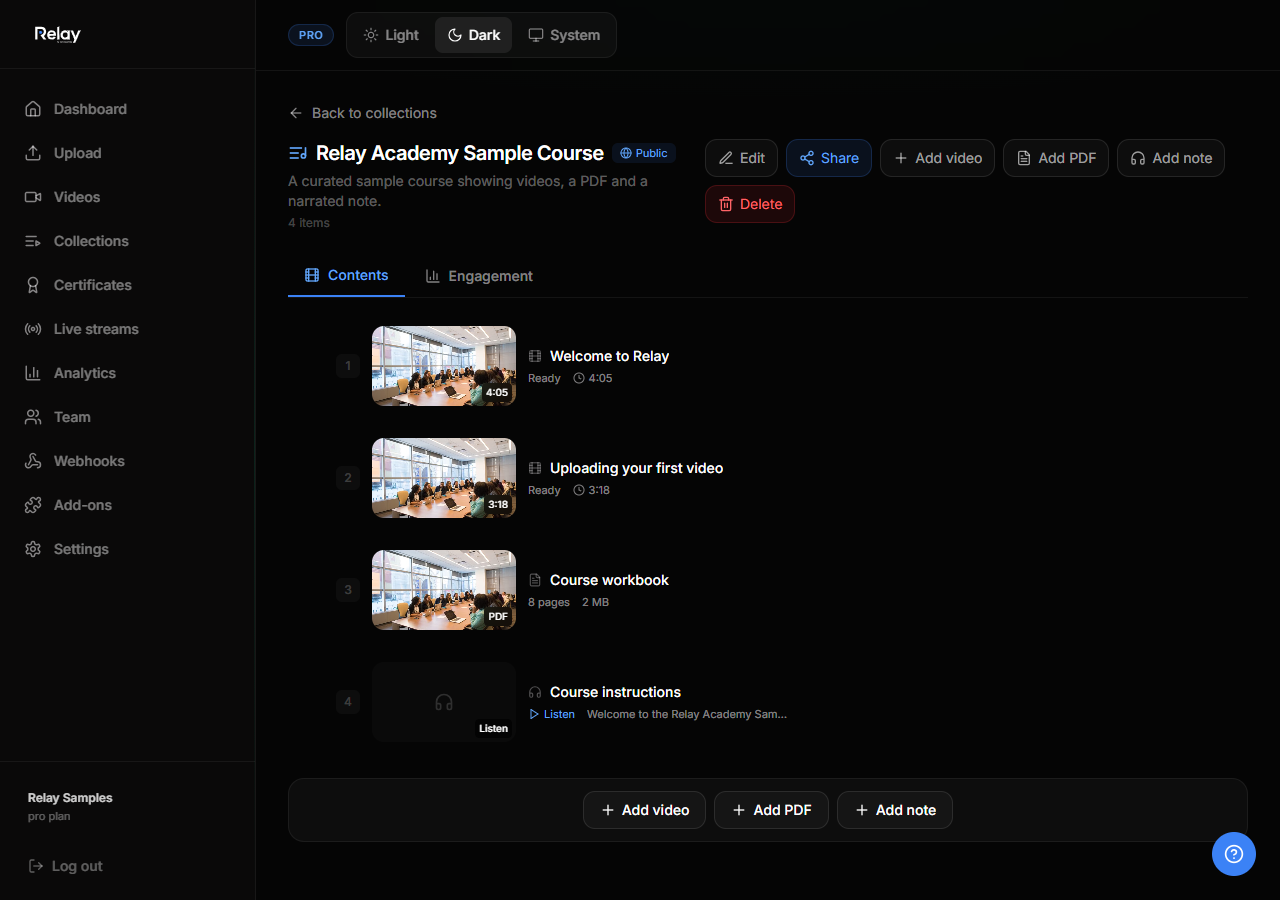
- Open a collection.
- Click Add content.
- Choose Video, PDF, or Note.
- For videos and PDFs, pick existing uploads or upload a new file. For notes, write rich text, insert images, and embed existing workspace videos.
- Arrange items by dragging them into order.
Collection privacy
Open the Share button on any collection to set visibility.
| Privacy | How it works |
|---|---|
| Public | Anyone on the internet can view the public page. |
| Password | Anyone with the link and password can view. No account required. |
| Private | Only invited email addresses or signed links can view. |
Share a collection
- Direct link:
/collection/{workspace}/{slug} - Signed link: create a temporary link with expiry and usage limit.
- Email grants: add viewer emails in the People tab. Viewers must sign in with that email.
Reorder and remove items
- Drag items in the collection detail page to reorder.
- Click the menu on an item and choose Remove to delete it from the collection. This does not delete the underlying video, PDF, or note.
Notes
Notes are rich-text pages that can include headings, lists, inline images, and embedded workspace videos. Each note has a 5,000-character plain-text limit and can generate an AI-narrated MP3 using Cloudflare’s text-to-speech model. Open a note and press Play to hear it read aloud.
For more details, see the notes guide.
Public collection page
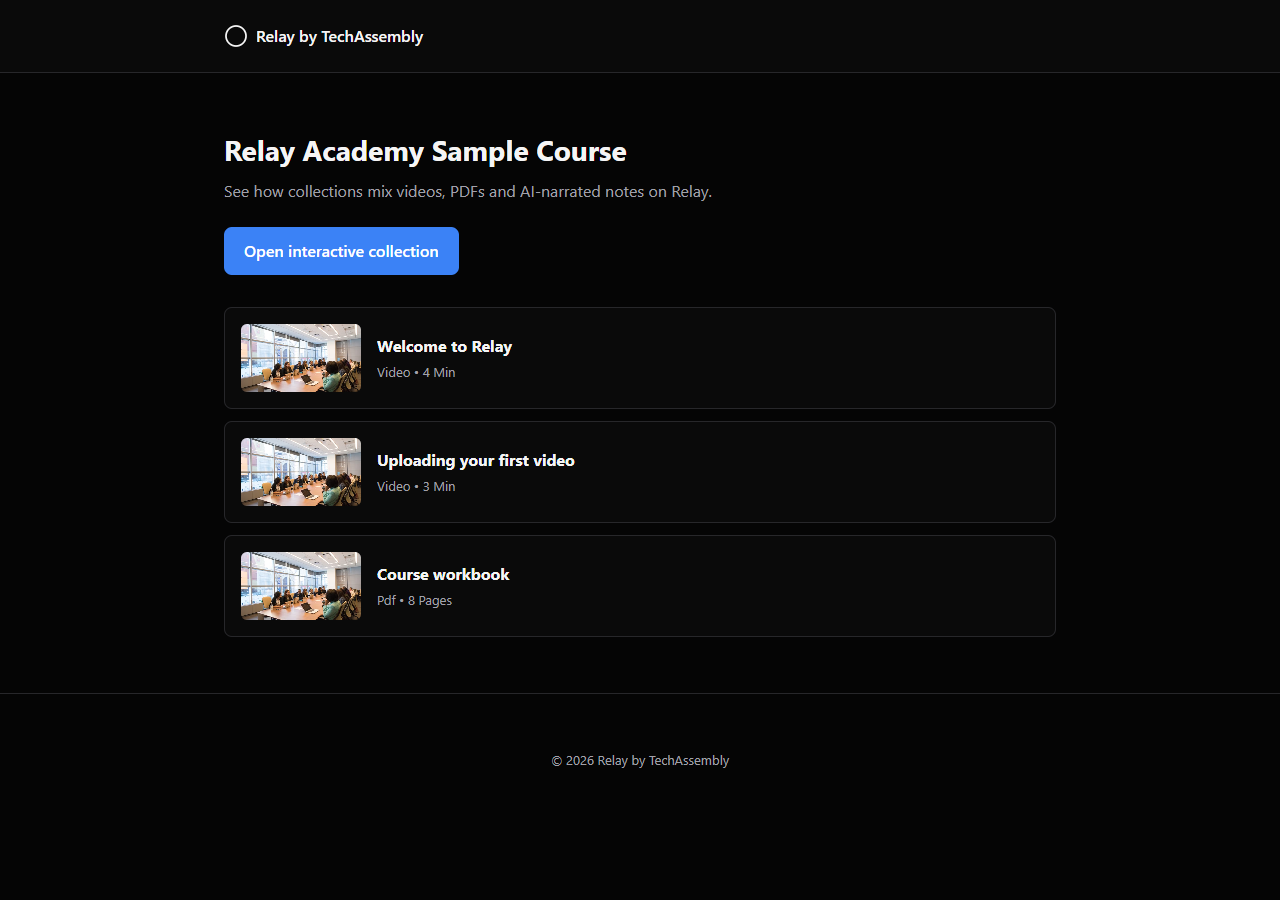
Every collection gets a clean public landing page at:
https://relay.techassembly.io/collection/{workspace}/{slug}
The page includes SEO tags, JSON-LD structured data, and an Open interactive collection button that takes viewers into the full player experience.
Analytics
Collection owners can view aggregate analytics including views, engagement time, and completion rates. Analytics are recorded only after a viewer has access to the collection.