
Team and access control
Relay workspaces support multiple members with role-based access.
Invite a team member
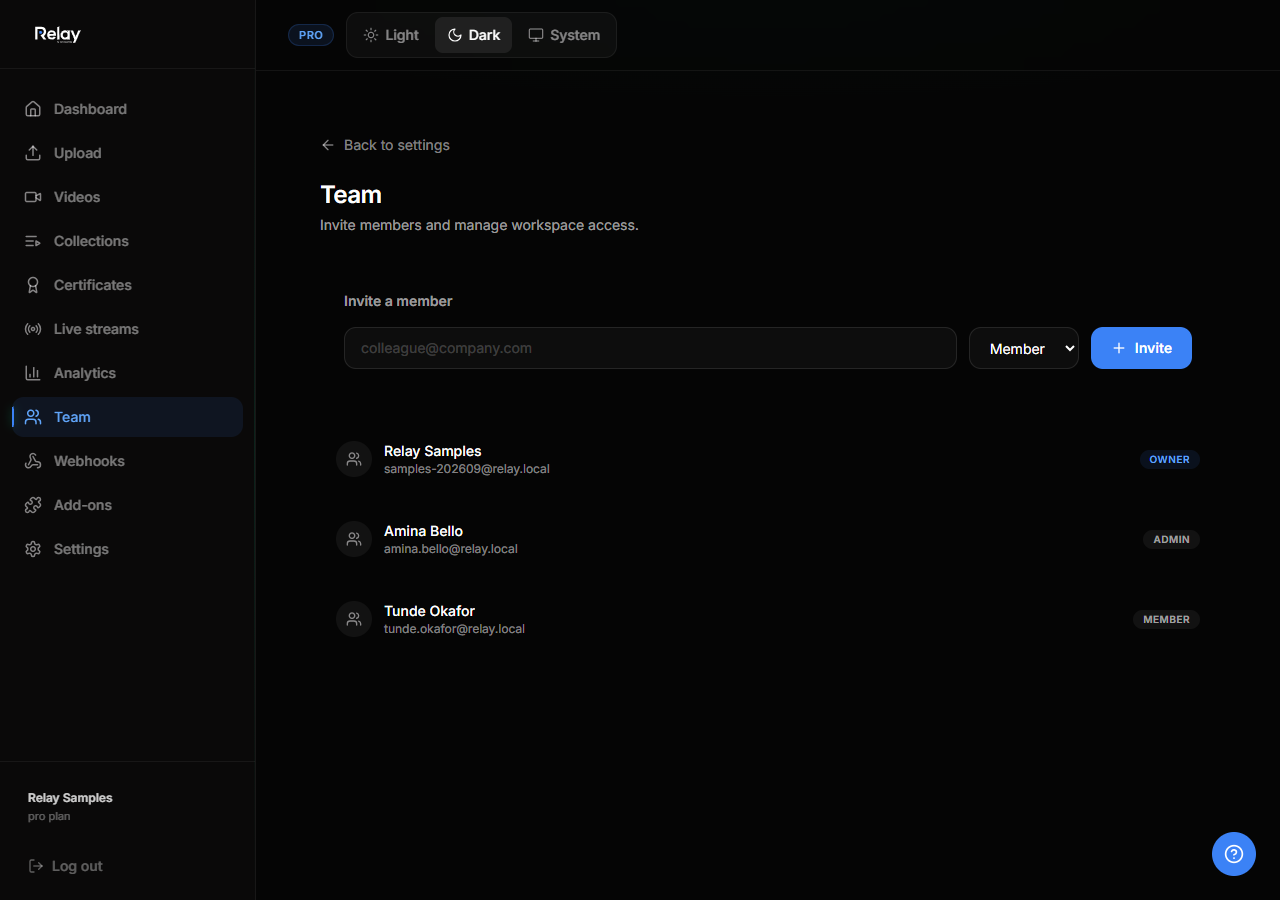
- Go to Settings → Team.
- Click Invite member.
- Enter the email address.
- Select a role.
- Send the invite.
The invitee accepts the link and is added to the workspace automatically.
Roles
| Role | Permissions |
|---|---|
| Owner | Full control, billing, deletion, and member management. |
| Admin | Can create, edit, and delete content; manage team members; view analytics. |
| Member | Can create and edit content; cannot delete the workspace or manage billing. |
Transfer ownership
- Go to Settings → Team.
- Open the menu next to the member you want to promote.
- Select Make owner.
- Confirm. You will become an admin unless you leave the workspace.
Remove a member
From Settings → Team, click Remove next to a member. They will lose access to all workspace content immediately.
Authentication
Relay supports:
- Email + password
- Auth0
- TechAssembly SSO (the same identity used across TechAssembly products)
If you sign in with SSO, your Relay account is linked automatically.