Settings and security
The Settings area controls workspace identity, security, and integrations.
Profile
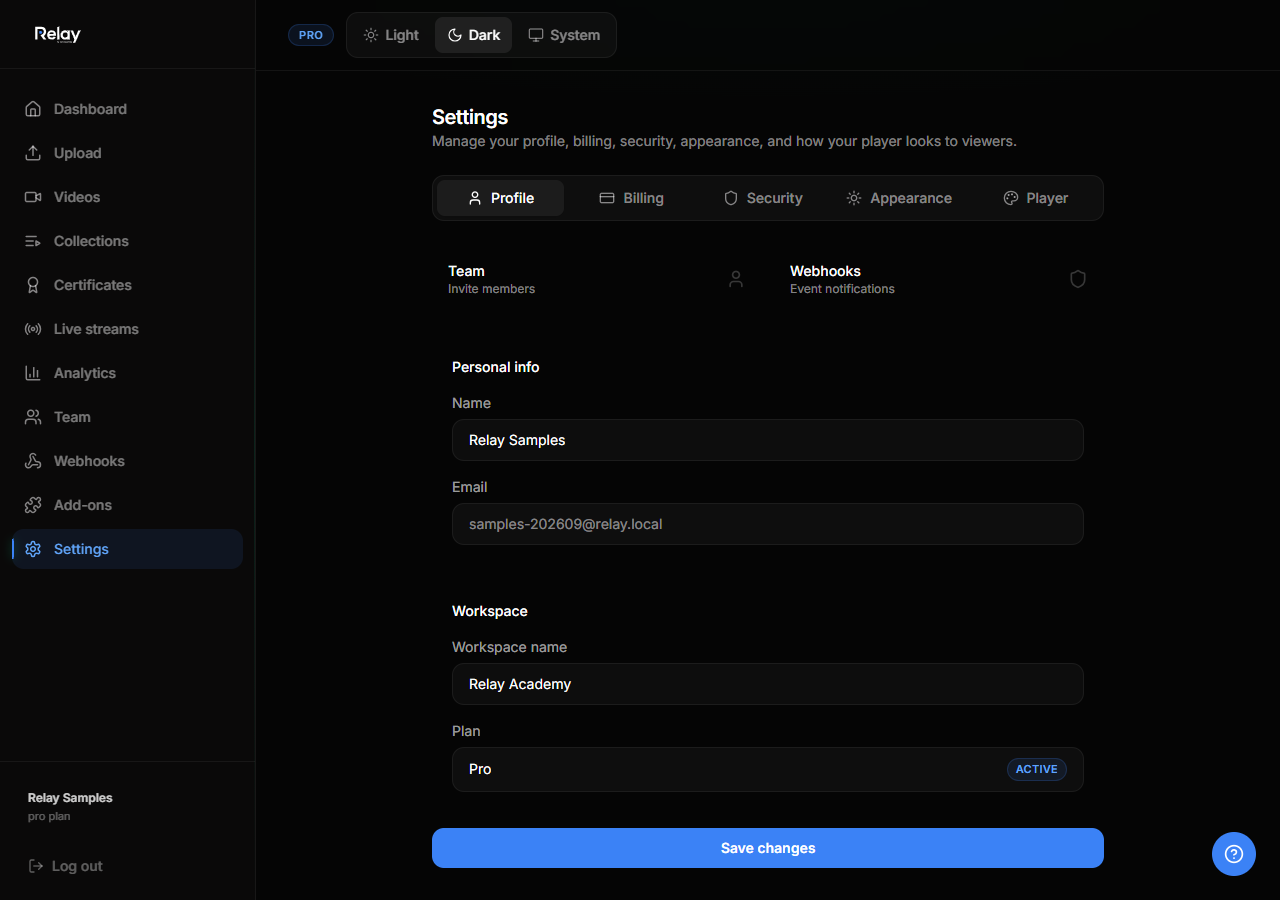
Update your:
- Display name
- Email address
- Avatar
- Password (if using email/password auth)
If you signed up via SSO, password changes happen in your identity provider.
Workspace settings
- Workspace name
- Workspace slug (used in public URLs)
- Default privacy for new videos
- Default player config
Changing the slug will break existing public links. Use with caution.
Player config
See Branding the player for logo, colors, and domain restrictions.
Webhooks
- Go to Settings → Webhooks.
- Add an endpoint URL.
- Select events to subscribe to:
video.readycollection.viewedtest.completedcertificate.issued
- Relay sends a signed POST request to your URL for each event.
Verifying webhook signatures
Relay includes an X-Relay-Signature header. Verify it with your webhook secret to ensure the request came from Relay.
API keys
Some advanced integrations use API keys. Manage keys from Settings → API. Rotate keys regularly and revoke unused ones.
Security tips
- Use strong, unique passwords.
- Enable SSO when available.
- Only invite people who need access.
- Review team members monthly.
- Rotate API and webhook keys after team changes.