
Managing videos
Videos are the core unit in Relay. You can upload from files, add captions, control privacy, and embed them anywhere.
Upload a video
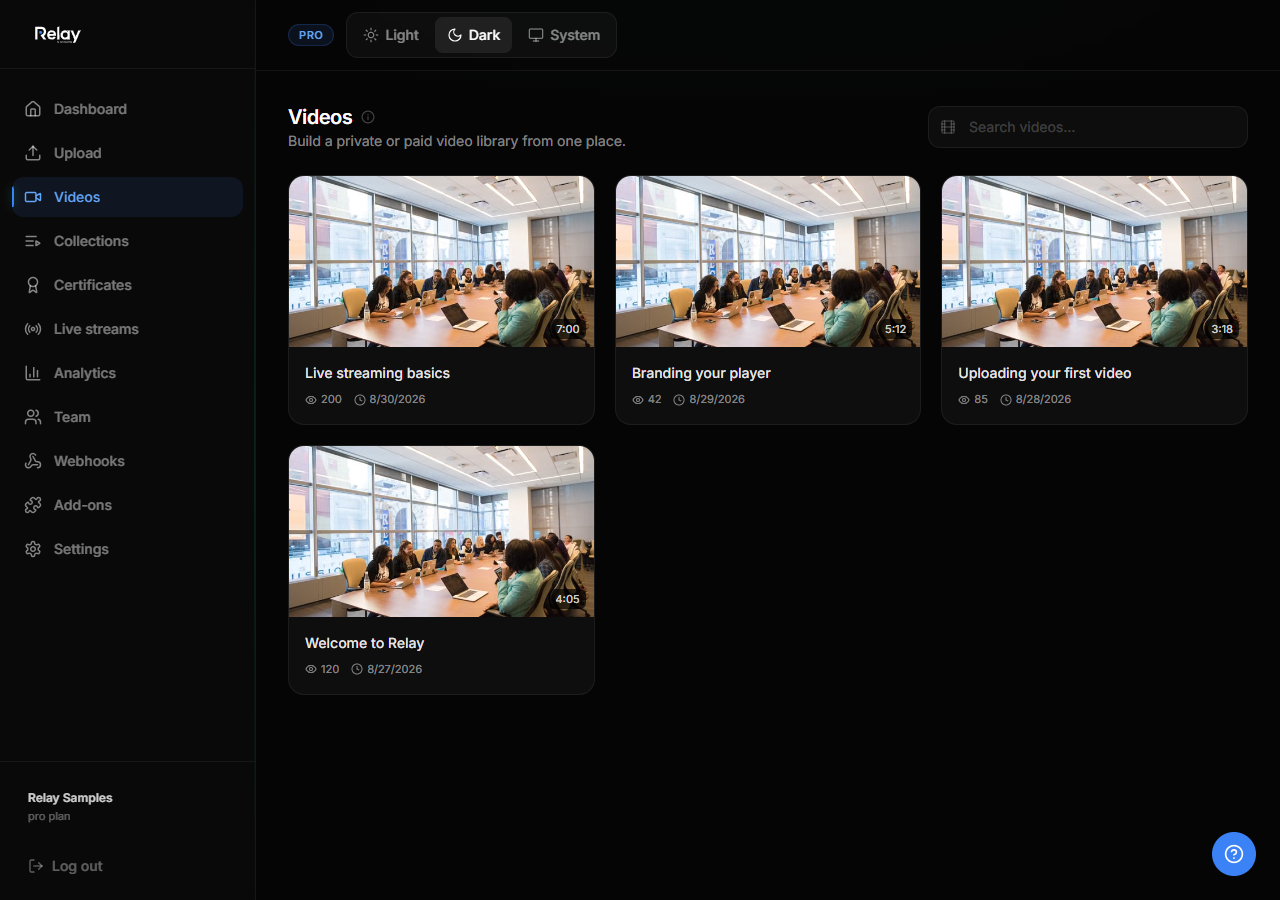
- Go to Videos in the sidebar.
- Click Upload video.
- Select a file or drag-and-drop it into the upload area.
- Wait for the upload to complete. The video status changes from
uploading→processing→ready. - Once ready, add a title, description, and thumbnail.
Video statuses
| Status | Meaning |
|---|---|
uploading |
File is being transferred. |
processing |
Relay is transcoding and generating thumbnails. |
ready |
Video can be watched and shared. |
error |
Something went wrong. Try uploading again. |
Privacy options
Each video has its own privacy setting:
- Public — anyone with the link can watch.
- Private — only workspace members or invited viewers can watch.
- Password — viewers must enter a password.
Set privacy from the video detail page or from the video card menu.
Captions and translations
- Open a video and go to the Captions tab.
- Upload a
.vttfile or use the auto-caption option if available on your plan. - Captions display in the branded player and help with accessibility.
Thumbnails
- Relay auto-generates a thumbnail from the first frame.
- You can upload a custom thumbnail from the video settings.
- Recommended size: 1280 × 720 pixels.
Embed a video
- Open a video and click Embed.
- Copy the iframe code.
- Paste it on any website.
- You can restrict embeds to specific domains in Player config.
Delete a video
- Go to Videos.
- Click the menu on the video card.
- Choose Delete.
Deleted videos remove their files from collections but do not delete analytics history immediately.